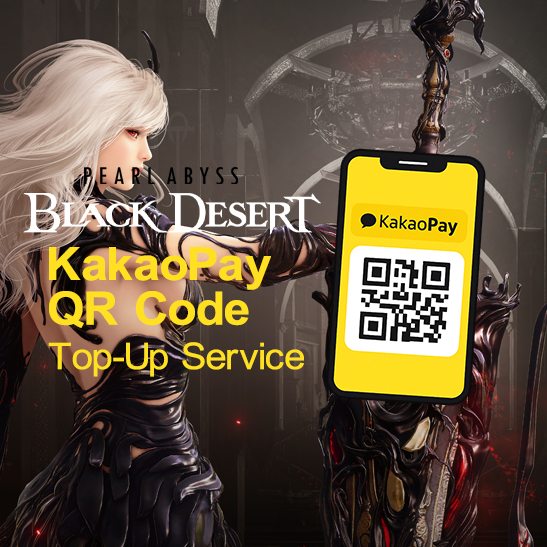
Important Note: KakaoPay QR codes are only valid for 15 minutes.
Please generate a new KakaoPay payment QR code after submitting your Top-Up request, and upload a screenshot or photo of a valid, unexpired QR code from an active payment screen.
Expired, invalid, or reused QR codes will be rejected and the request will be canceled by an admin.
If a Top-Up request is canceled for any reason, the points used will be refunded to your account.
BLACK DESERT Pearl Abyss (Korea) Top-Up Instructions:
1. Open the BLACK DESERT Pearl Abyss website and log in to the account you want to Top-Up.
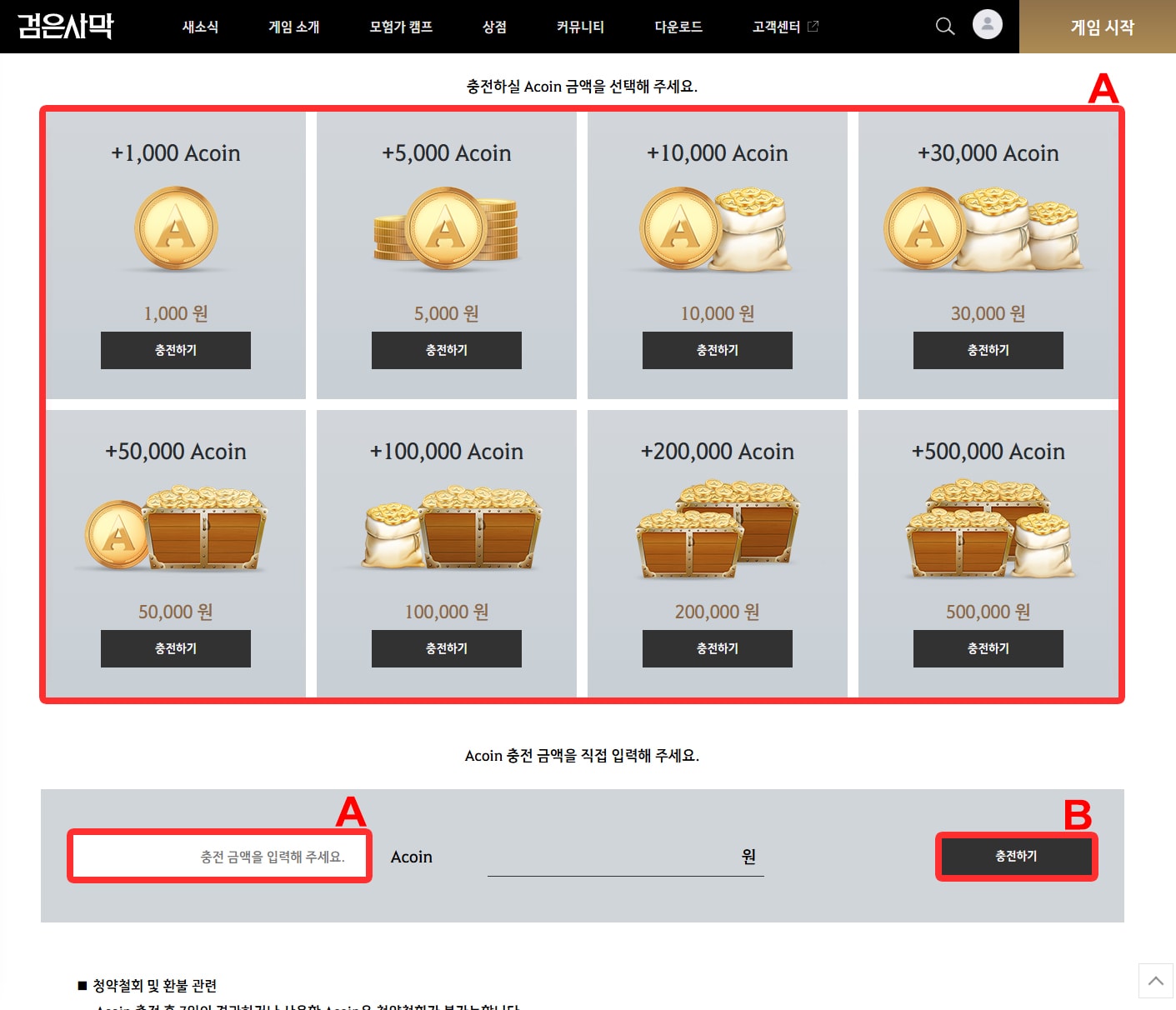
2. Click or Enter the Top-Up credit amount (A) you purchased in your order, Click Charge (충전하기) (B).
(Acoin top-ups must be requested in increments of 1,000 Acoin. For example, 21,000 or 55,000 is allowed, but 21,400 or 55,800 is not.)
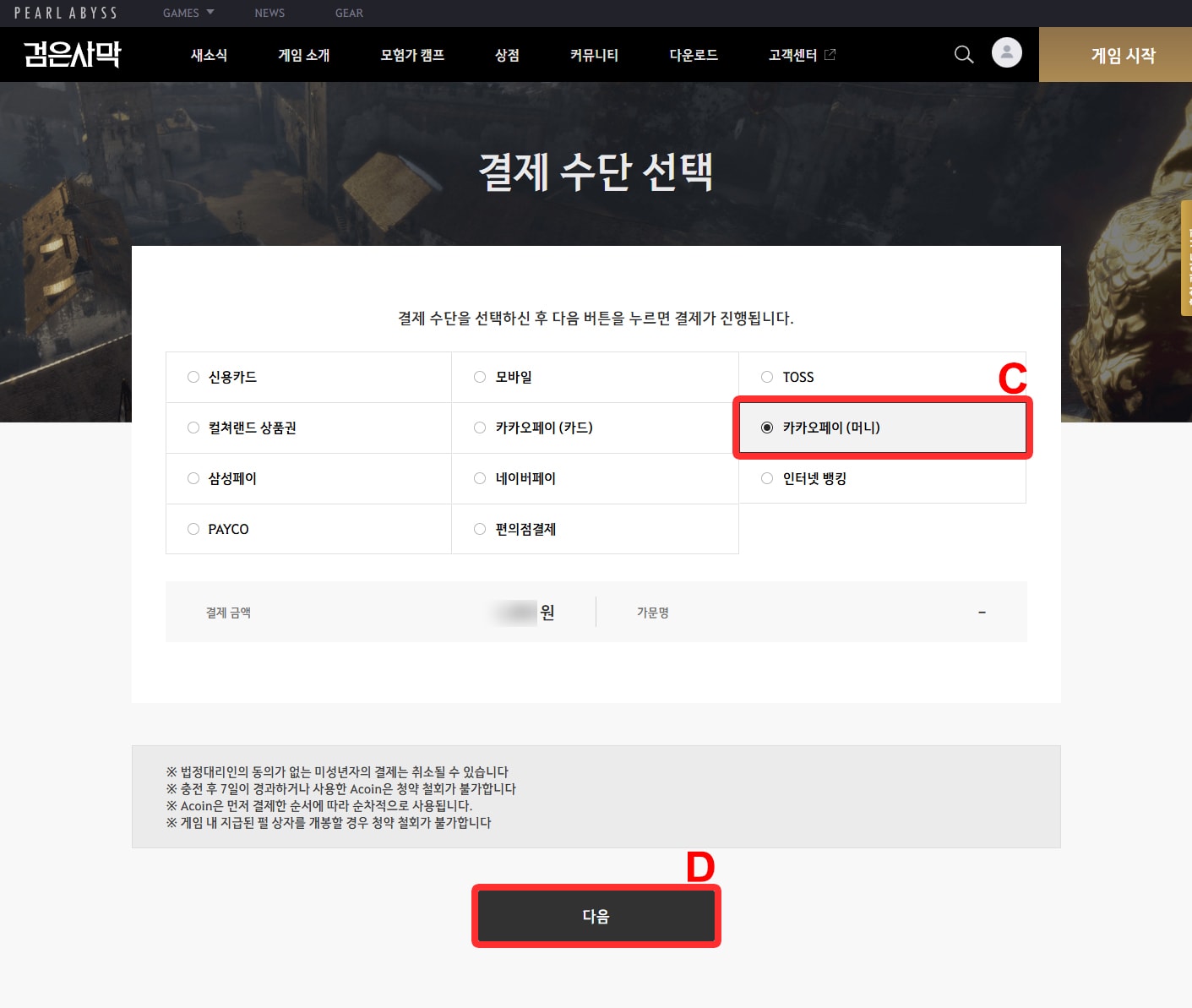
3. Then Select KakaoPay (카카오페이 (머니)) (C) Click Next (다음) (D).
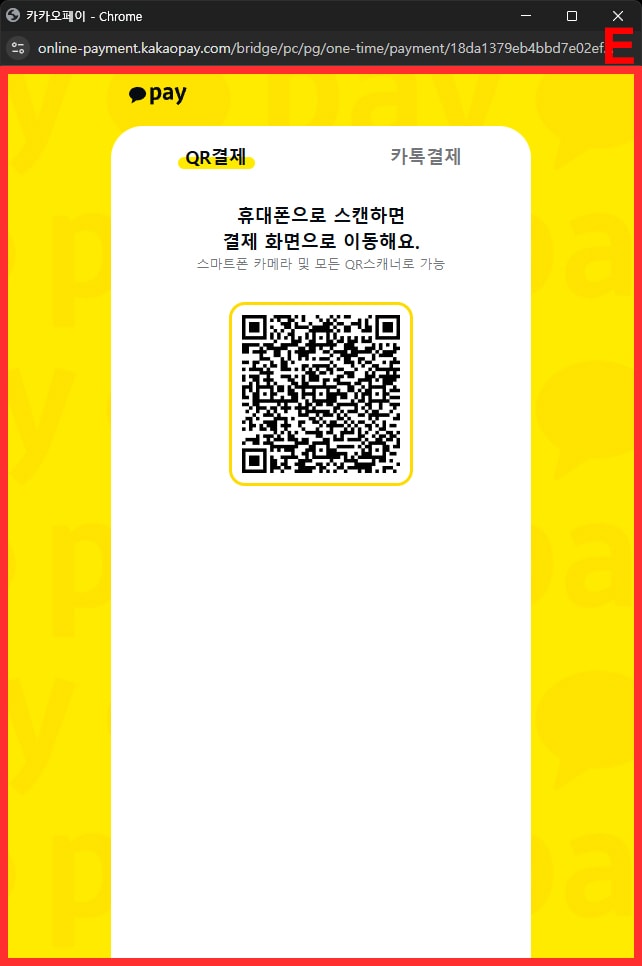
A new window will appear with a KakaoPay QR code (E). Do not close this window after uploading the QR code to your Top-Up request.
4. Take a screenshot or photo of the QR code and upload it via the QR code upload section of your active Top-Up request.
5. This popup will automatically close once the admin completes the Top-Up payment.
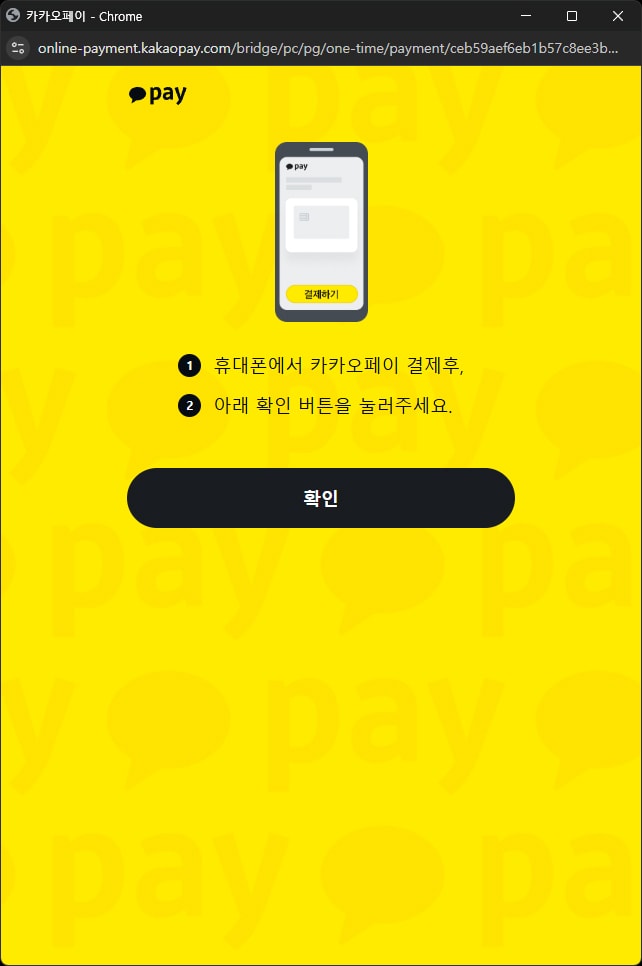
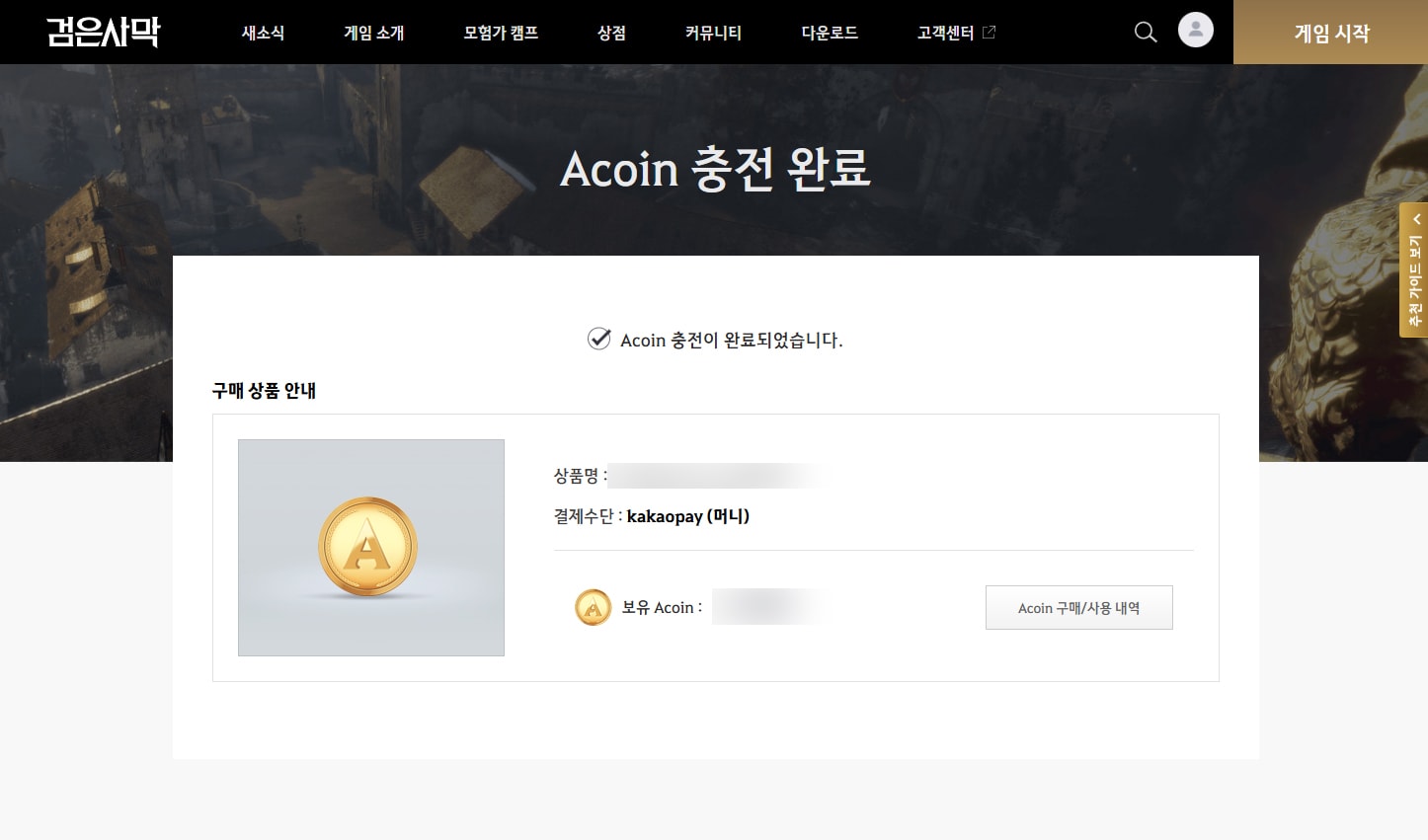
The page will then update to the payment completion screen.
6. The purchase is now complete.